| Internet Explorer 7 | 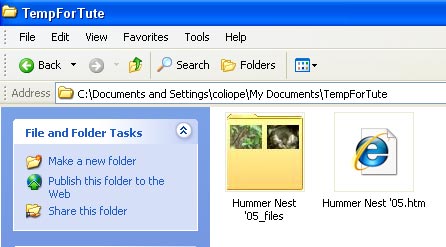 |
| Firefox 2 |  |
| Opera 9 | 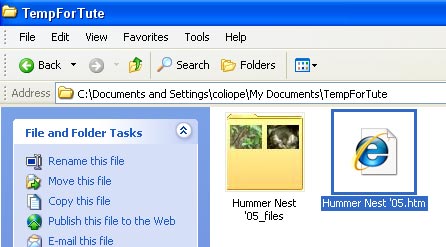 |
You will find a "PageTitle.htm" document and a subfolder that contains all the images that were on the page. (You can now rename the PageTitle.htm file if you wish, just be sure to make the extension .htm or .html.)
To view the page, right-click the .htm file and choose "Open With", then your choice of browser from the menu that opens.
To edit the page, right-click the .htm file and choose "Open With", then select a text editing program from the menu that opens. (Or you could right-click the .htm file and choose "Edit" to open it in your default html editor.)
For others to be able to view the page you'll need to upload the .htm file and the images to a web hosting account. HERE you will find links to HTML and page building tutes.
| Internet Explorer 7 | |
| Firefox 2 | |
| Opera 9 | |